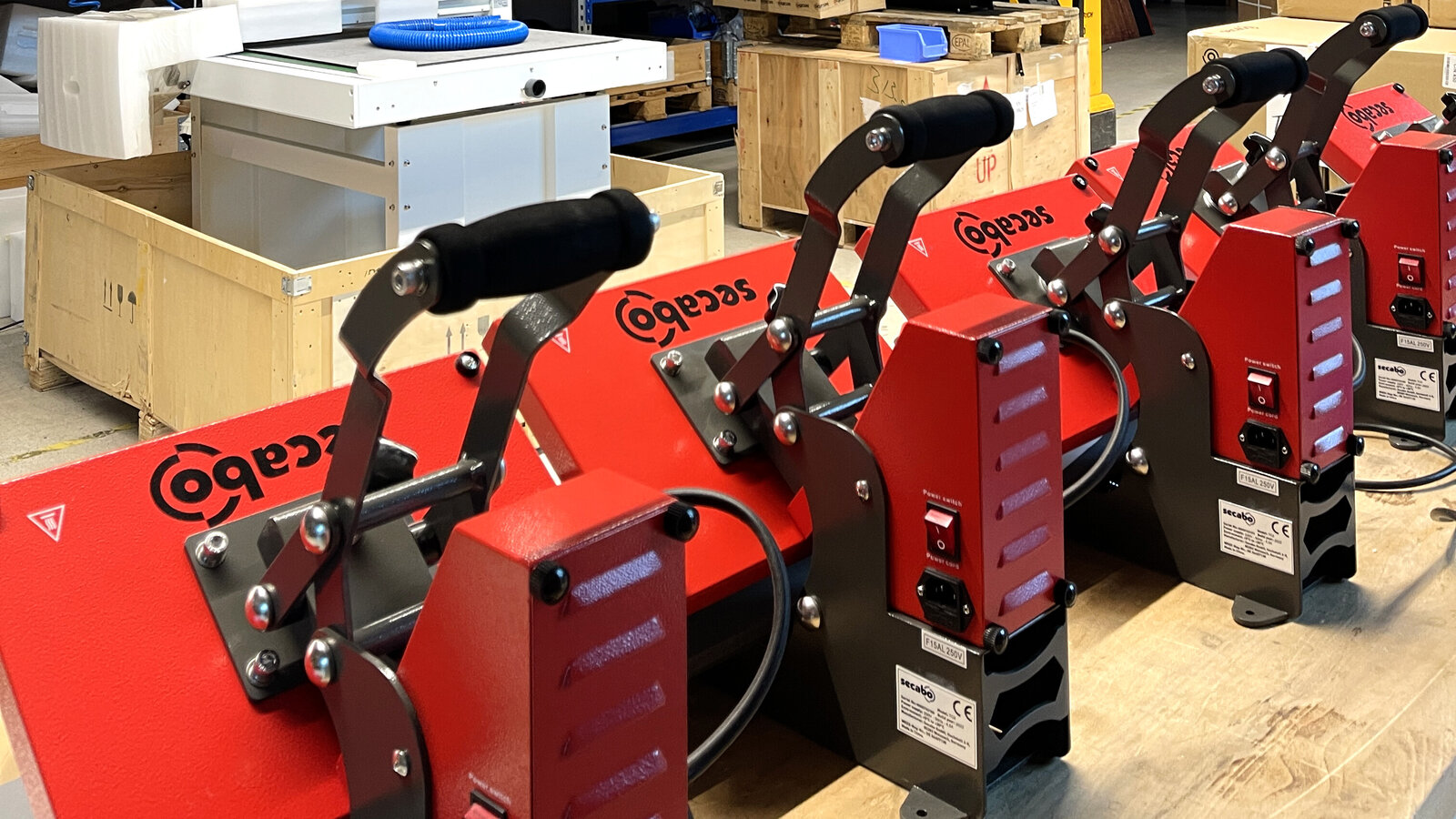
New GY-06N controller: Pre-Press and three presets
The new GY-06N controller for Secabo transfer presses features a pre-press function and three savable presets – now available on the TM1, TM2 and TM5 models.
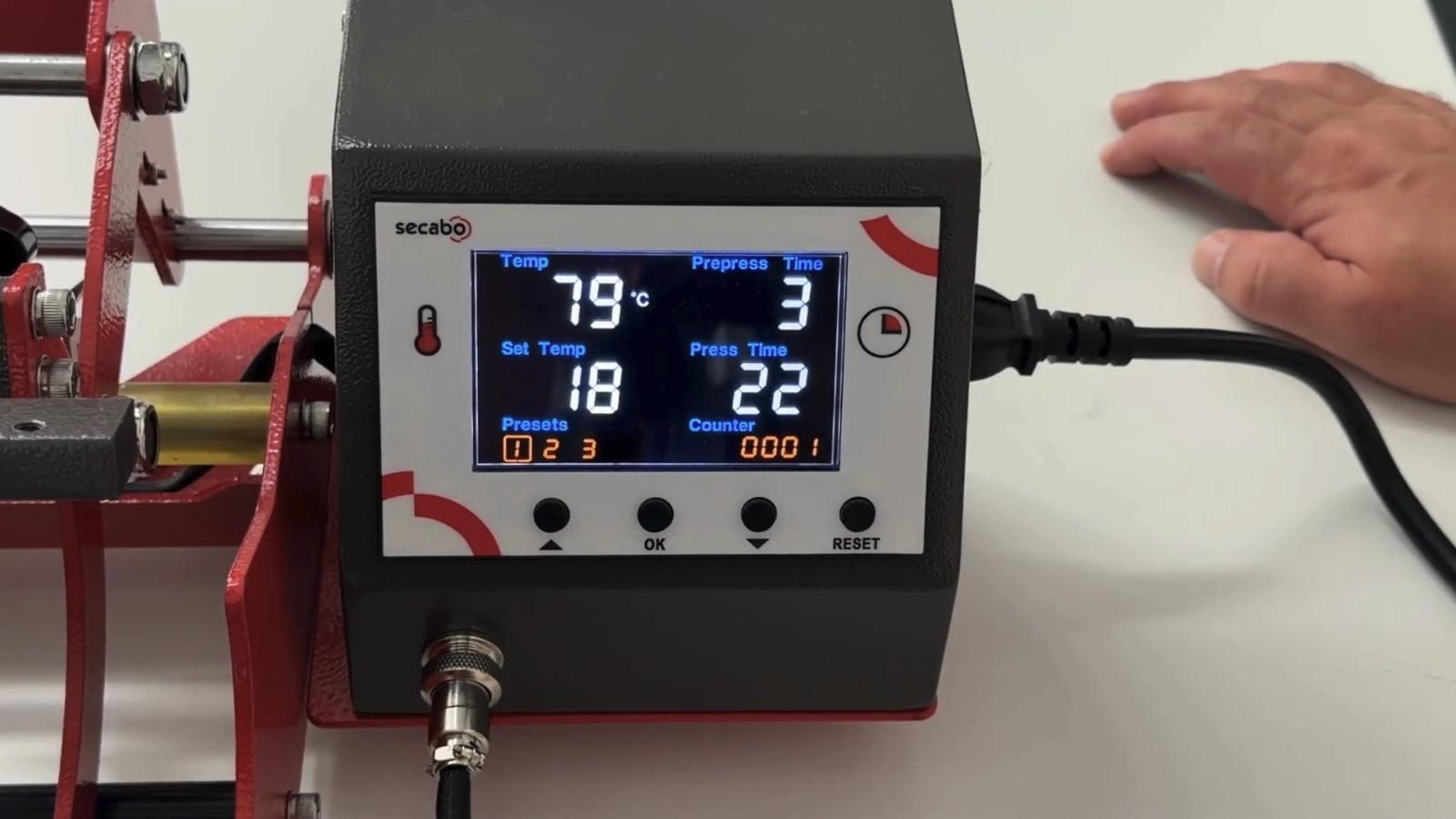
Our transfer presses are getting a new controller: the GY-06N. It is already in use on the TM1, TM2 and TM5 mug presses. The TP10 and TPD7 transfer presses will follow shortly.
The operation remains familiar. You set the temperature and press time directly on the machine – just as with the previous controller. Two new functions have been added that will make your workflow noticeably easier: a pre-press function and three storable presets.
With the GY-06N, we have retained the tried-and-tested user interface and specifically added the functions our customers have been asking for. Pre-press and presets save time in day-to-day use and ensure consistent results.
Everything at a glance
The display shows all key values at the same time: the current temperature and the target temperature, the pre-press time, the press time, the active preset and a counter. The controller is operated using four buttons: up arrow, OK, down arrow and RESET.
New: the pre-press function
The most important new feature is the pre-press function. It is primarily intended for textiles, i.e. for presses such as the TP10 and the TPD7. During pre-pressing, the textile is briefly smoothed out and any residual moisture is allowed to escape before the design is pressed onto it.
Here’s how it works:
- Set the desired pre-press time, for example 3 or 5 seconds.
- Close the press. The controller will first count down the pre-press time.
- Open the press and place the design on it.
- Close the press a second time. The standard pressing time will now start automatically.
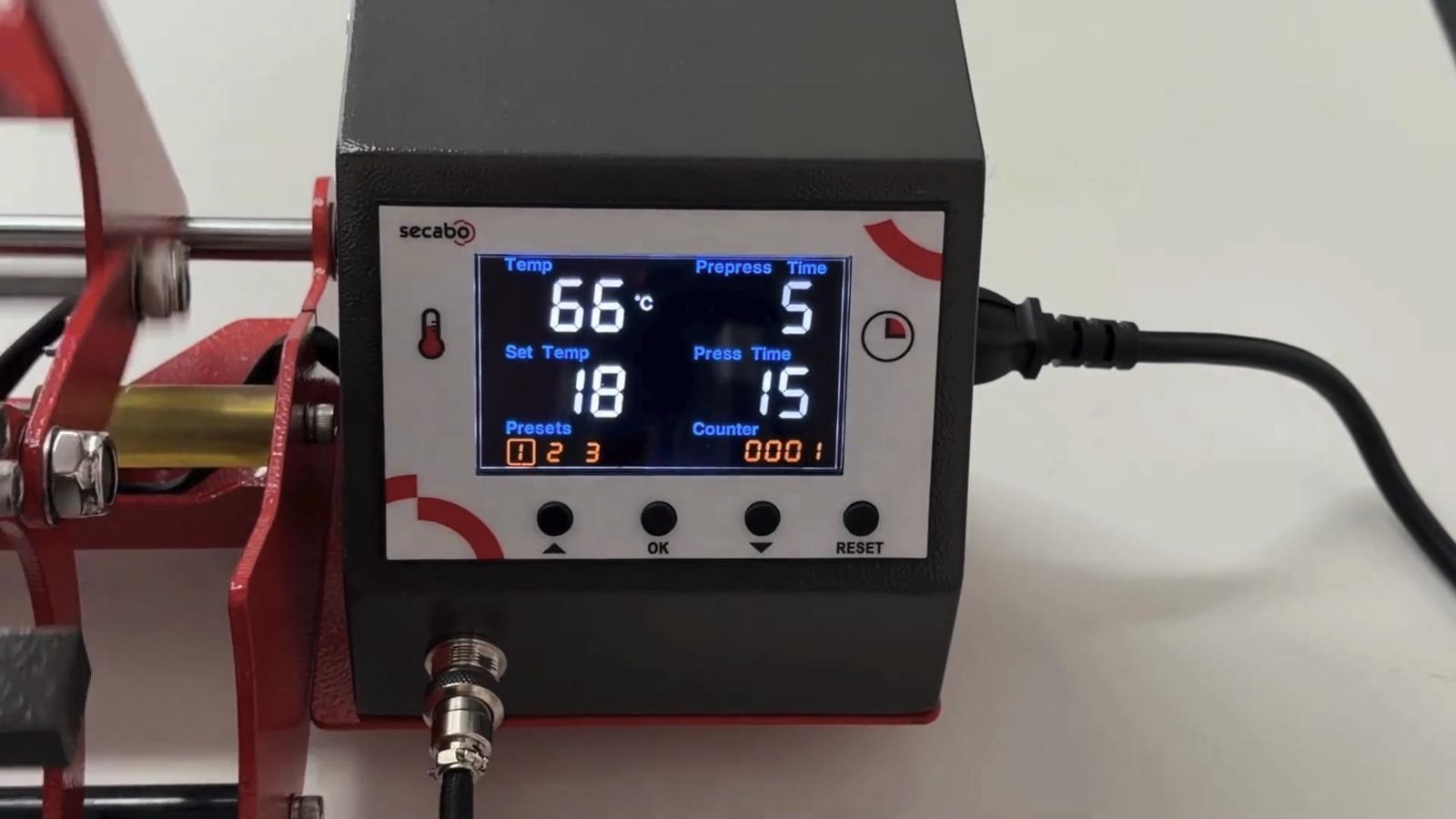
Do you not need a pre-press, for example when making cups of coffee? If so, simply set the pre-press time to 0 seconds. This will disable the function, and the pressing time will start immediately when the press is closed.
Three presets for recurring jobs
Another new feature: the GY-06N can store up to three programmes with temperature and time settings. This means that anyone who regularly works with different materials or designs does not have to reset the values each time.
To programme the presets, press and hold both arrow buttons simultaneously for about 5 seconds. Then set the values for presets 1, 2 and 3 in turn.
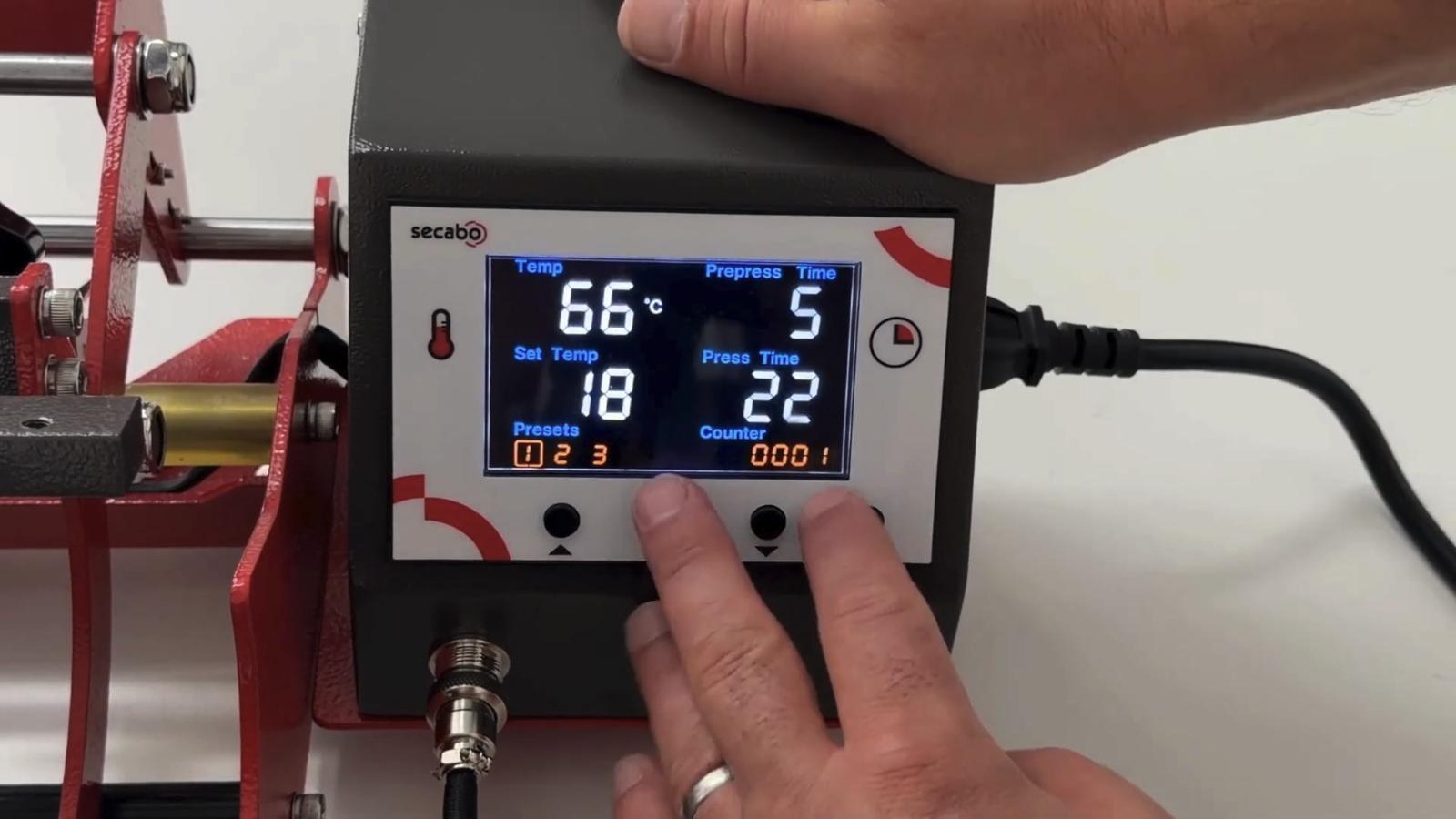
During normal operation, use the right-hand button to switch between the saved presets. The active preset is highlighted on the display.
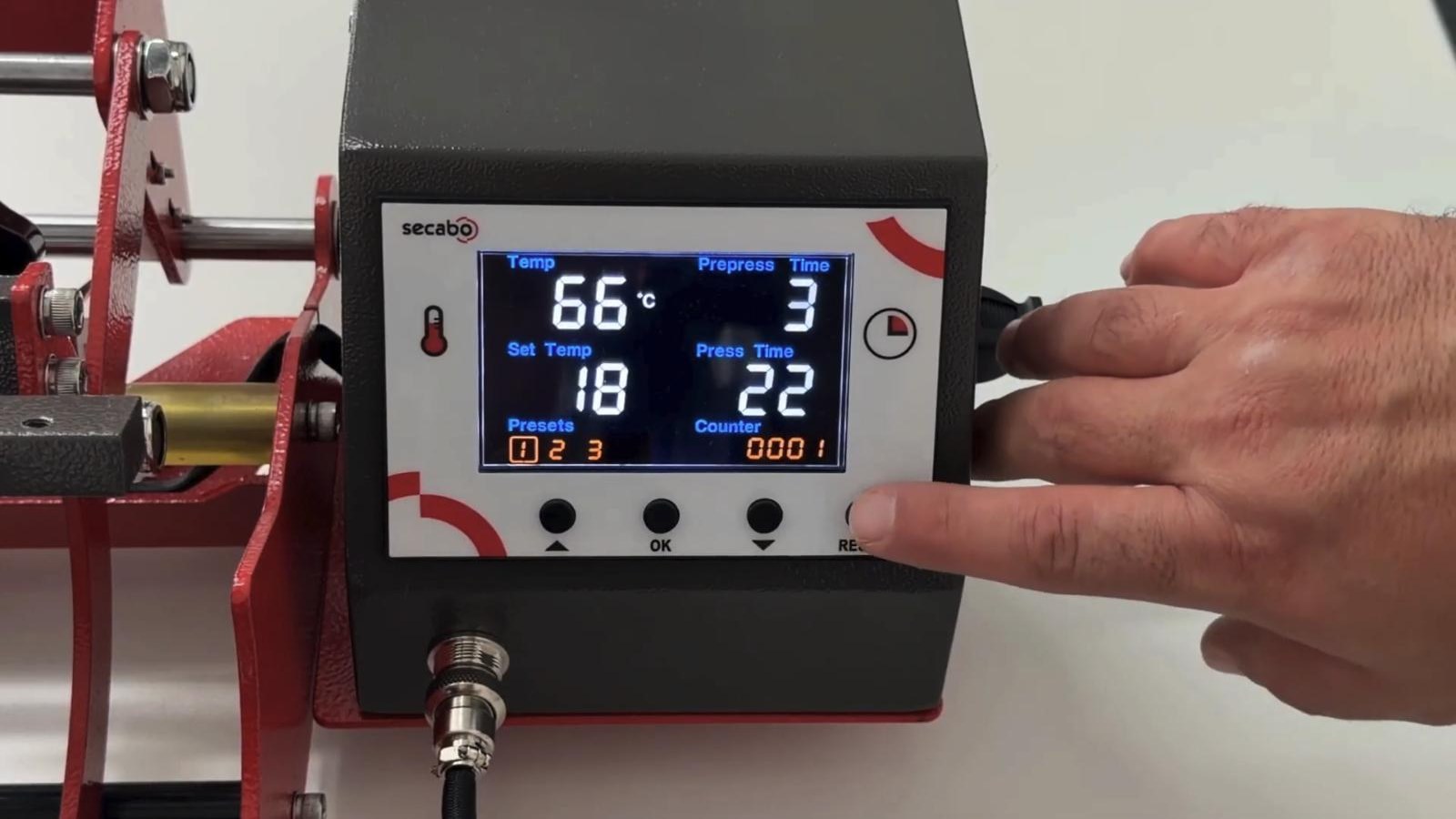
An overview of the changes
- Pre-Press: Pre-pressing with custom time settings, ideal for textiles
– Easy to deactivate: set the pre-press time to 0 - 3 presets: save your own settings for temperature and times
– Quick programming: hold both arrow buttons for approx. 5 seconds
– Quick switching: cycle through presets using the right-hand button - Available on: TM1, TM2 and TM5; coming soon to TP10 and TPD7
The controller in the video
In the video, we show you the GY-06N in action – from the pre-press function right through to programming the presets.
Do you have any questions about the new controller, or are you looking for the right transfer press? You can try out the GY-06N on our TM5 mug press, for example. You can find all Secabo presses on our website.